Available on the App Store · v1.2.1 • Made for card collectors

Point. Scan. Keep your cards in one place.

Scan trading cards with your iPhone, review the match and add it to your collection. Check estimated card prices when available.

Free · In-app purchases Apple App Store
App Store QR Code
Scan to Download or Click
Direct Apple App Store Link

For iPhone · iOS 18.0 or later. Free download with in-app purchases.
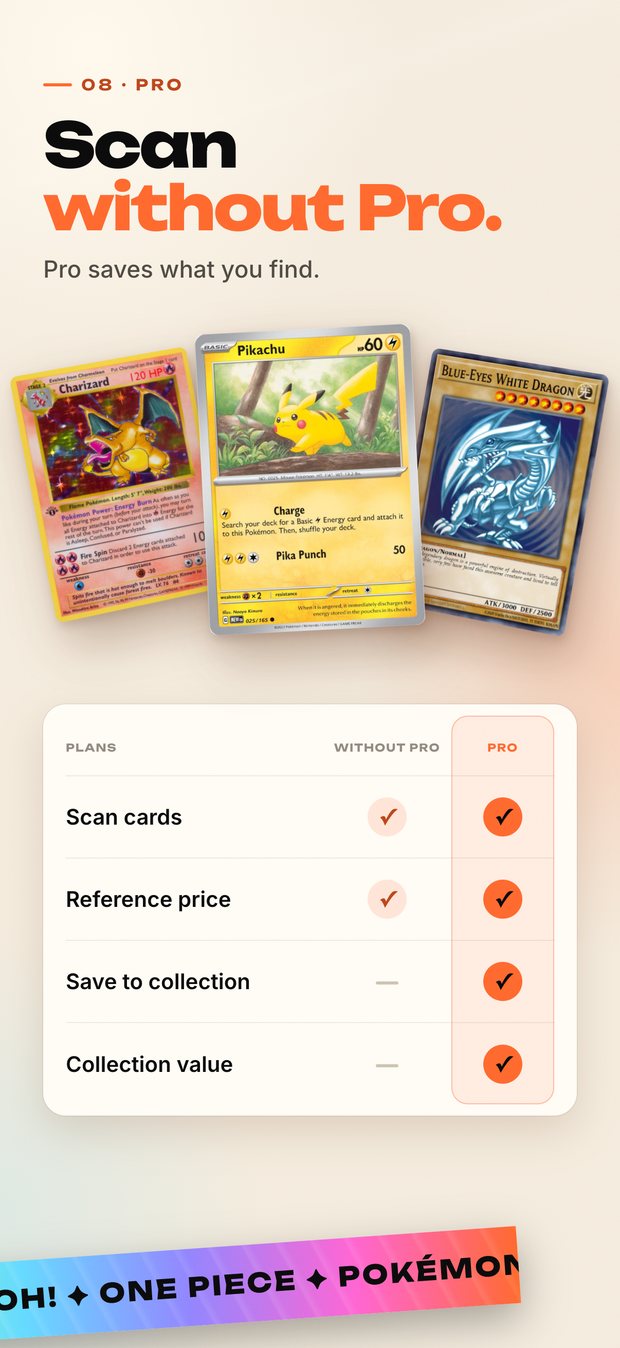
Card scanning and reference prices are free and unlimited. Saving scanned cards to your collection requires Pro. Internet required for scanning, identification and pricing.
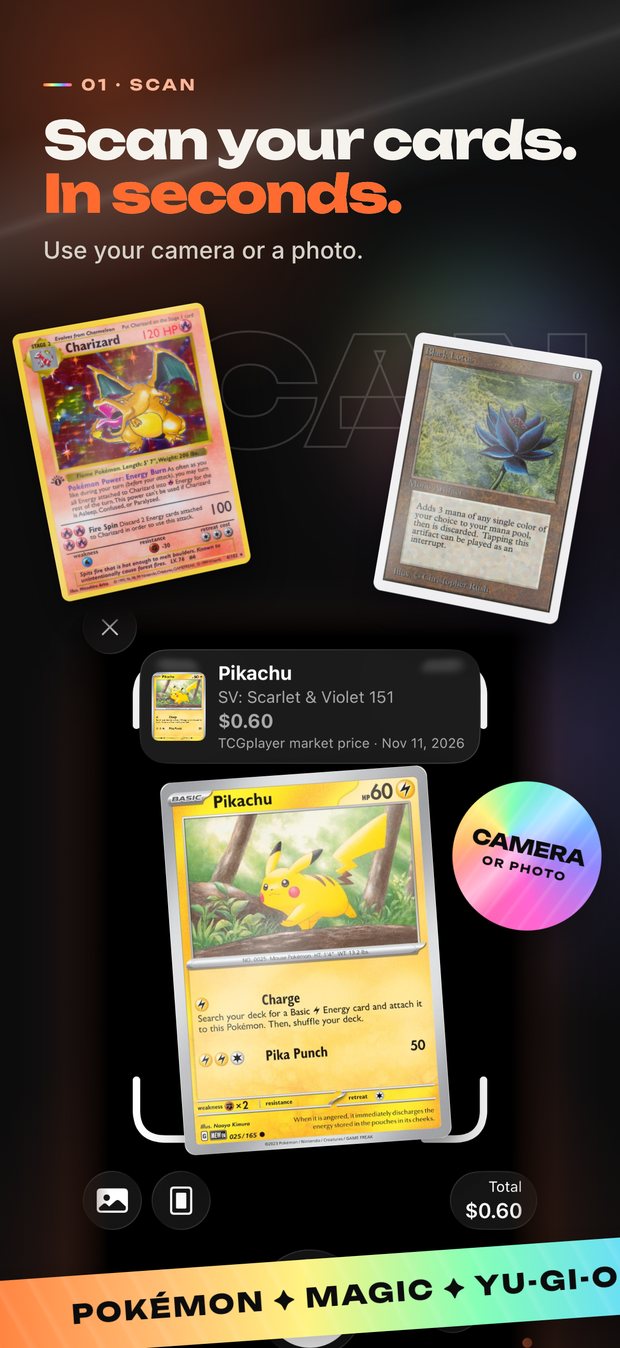
App Store screenshot 1 of 10: Scan your cards in seconds.

The App Store screenshots for version 1.2.1. These are still images, not a live scanner. Prices shown are example reference values from the listing, not current quotes.

01 · SCAN

Scan your cards in seconds.

Use your camera or a photo. Review the returned card and confirm its set and number before saving. An internet connection is required.

CameraPoint and scan
PhotoOr pick a photo
ReviewConfirm the match
Scan
Take a card photo
Review
Confirm the card match
Collect
Organize your cards
iPhone
iOS 18.0 or later

From a card photo to an organized collection.

Start with a scan, check the result and keep track of the cards you own.

Card scanning

Photograph a card and review the suggested match. Lighting, condition and catalog coverage can affect results.

Estimated prices

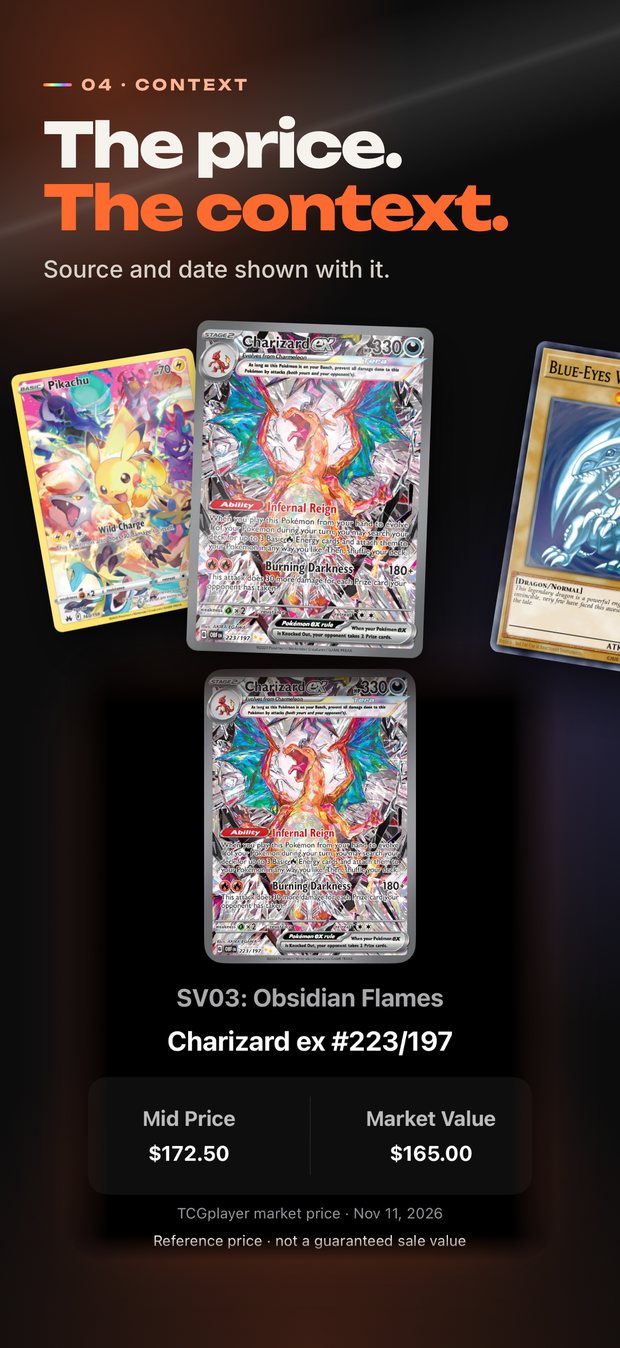
Use available third-party pricing as a reference. Values can be delayed or cached and are not guaranteed sale prices. Viewing reference prices is free and unlimited.

Collection tracking

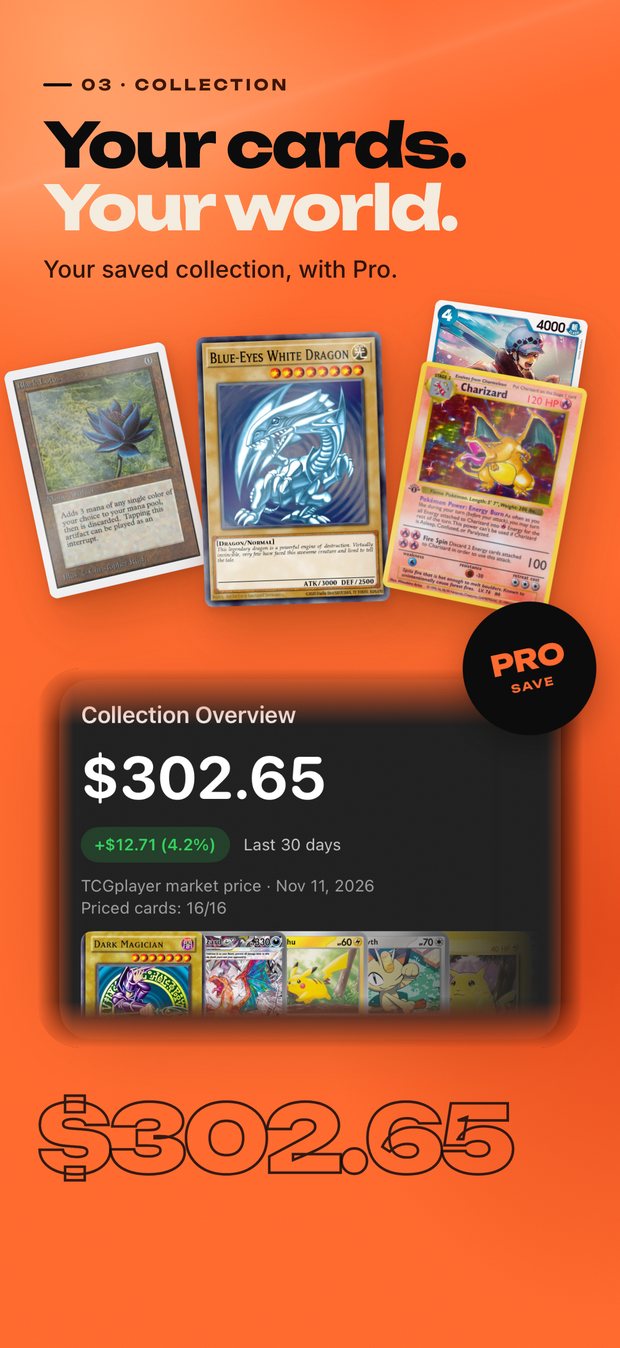
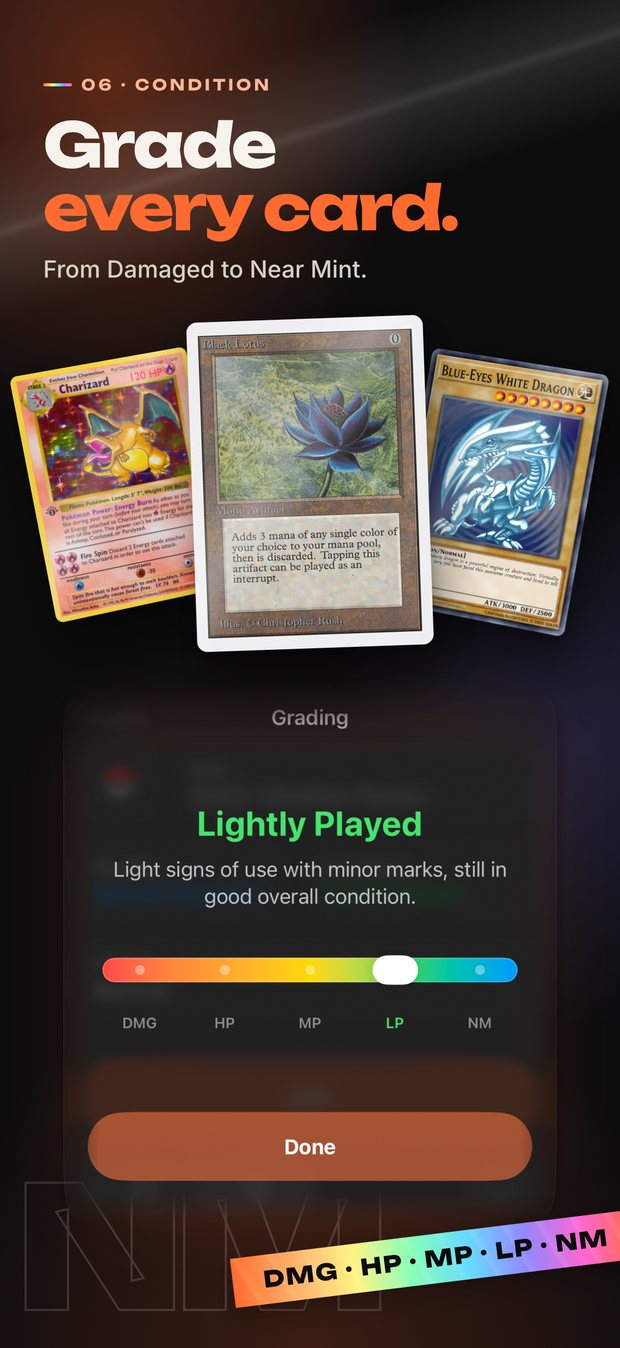
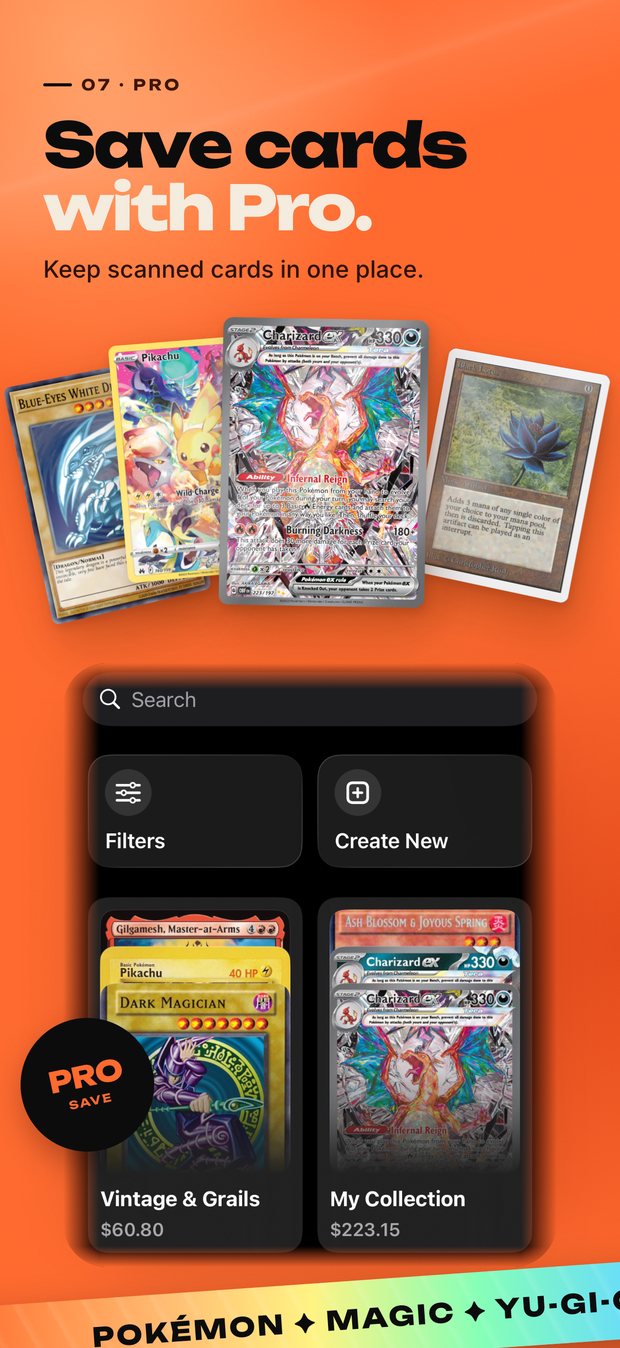
Keep cards, quantities and conditions together. Saving scanned cards to your collection, collection value and additional collections are part of Pro; check the in-app offer before subscribing.

See the app before you download.

These are the ten screenshots on the App Store listing for version 1.2.1. Open the listing for current compatibility, subscription options and release notes.

App Store screenshot 1 of 10: Scan your cards in seconds.
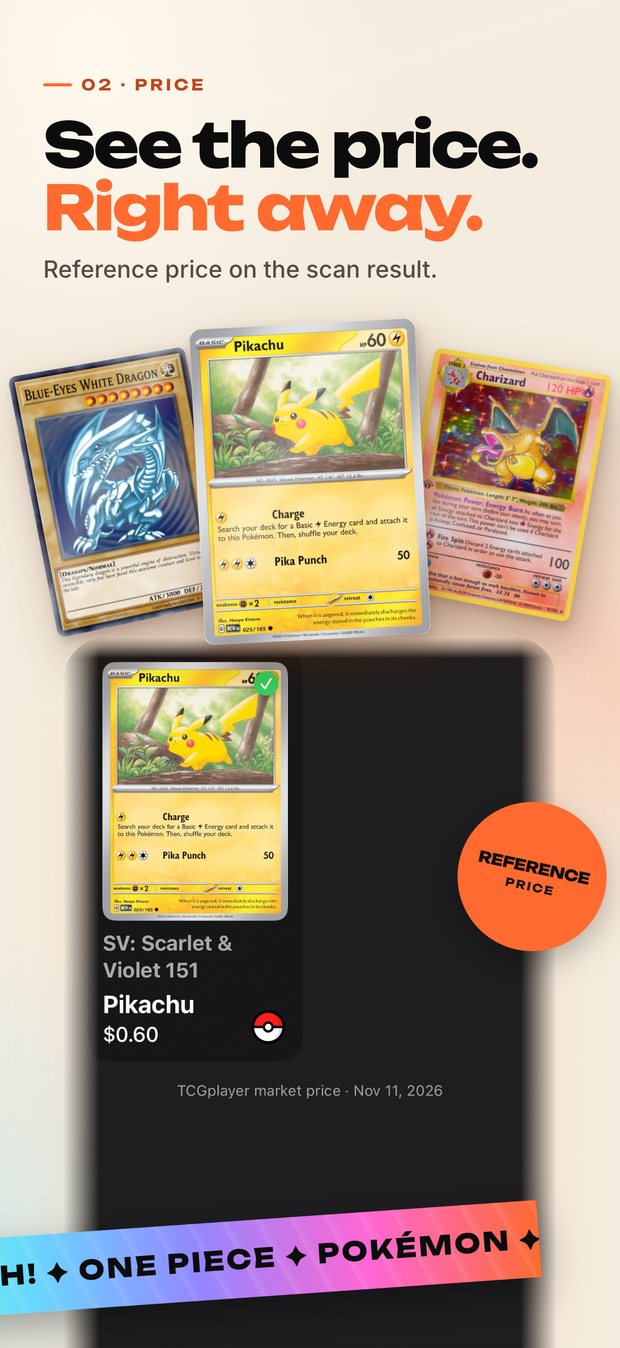
App Store screenshot 2 of 10: See the price right away.
App Store screenshot 3 of 10: Your cards. Your world.
App Store screenshot 4 of 10: The price, with its context.
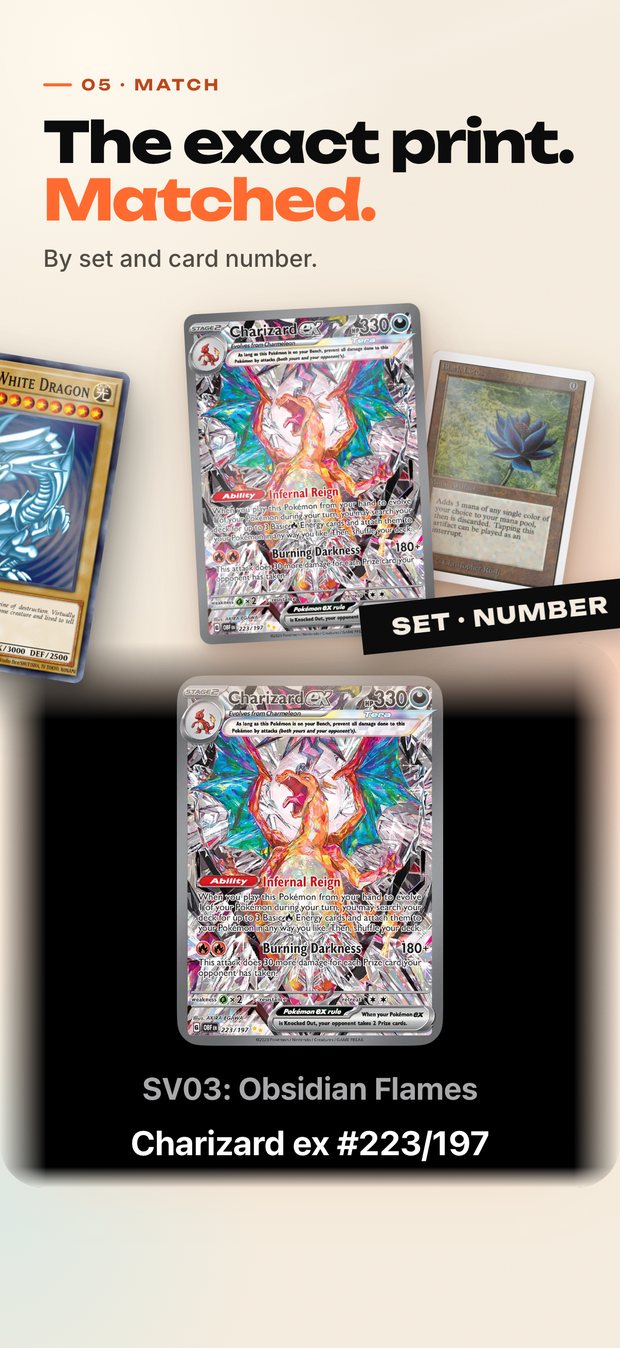
App Store screenshot 5 of 10: The exact print, matched.
App Store screenshot 6 of 10: Grade every card.
App Store screenshot 7 of 10: Save cards with Pro.
App Store screenshot 8 of 10: Scan without Pro.
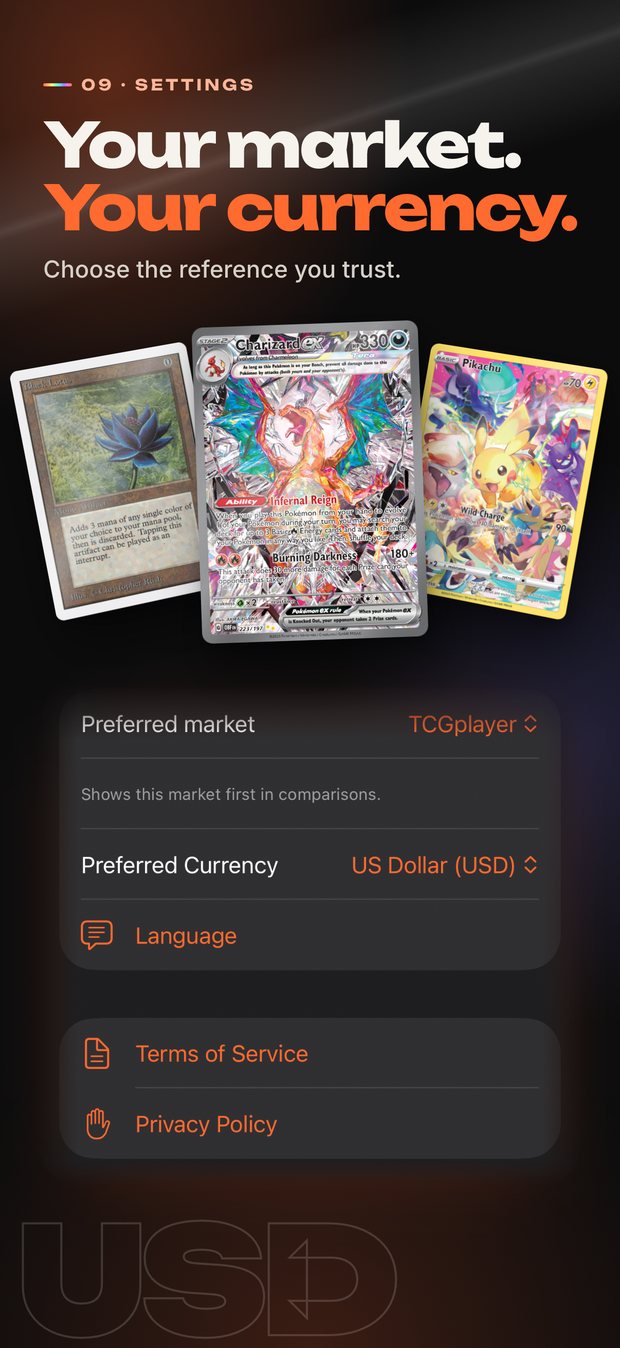
App Store screenshot 9 of 10: Your market. Your currency.
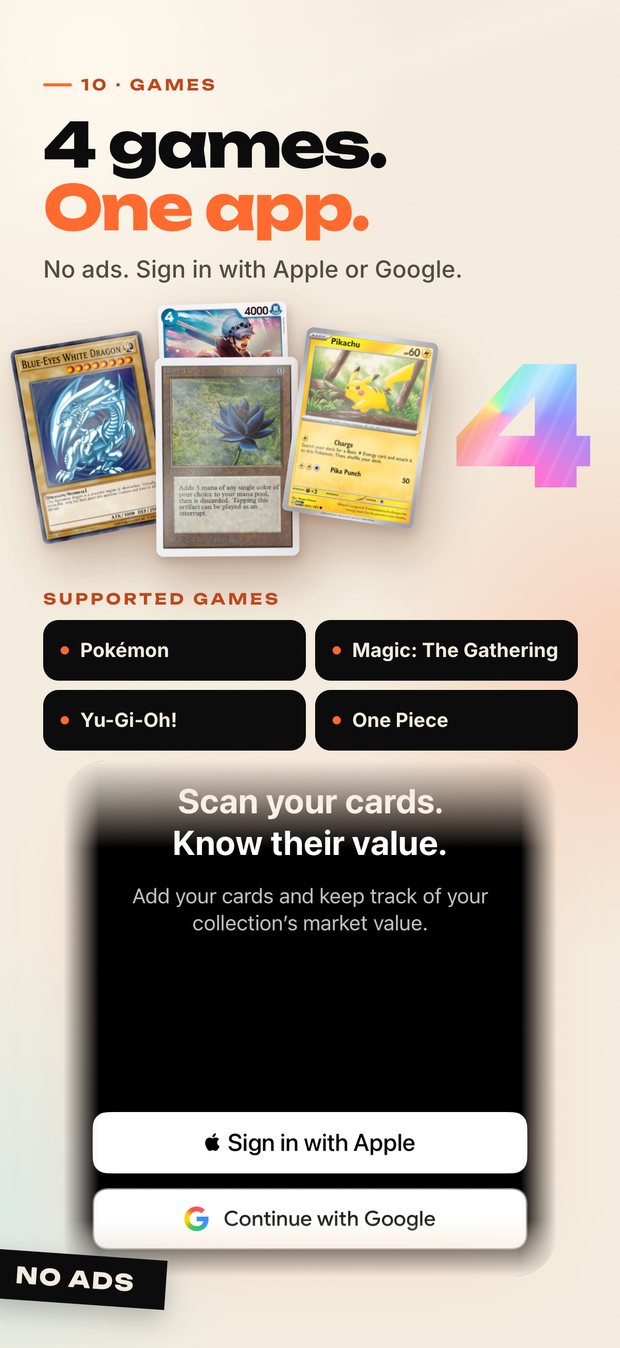
App Store screenshot 10 of 10: 4 games. One app.

Your favorite trading card games.

Explore Pokémon, Magic: The Gathering, Yu-Gi-Oh! and One Piece. Card and edition availability depends on the connected catalog; always confirm the returned match.

Pokémon TCG
Review the card name, set and edition when confirming a match.
Magic: The Gathering
Keep card variants and finishes in mind when comparing estimated values.
Yu-Gi-Oh! TCG
Check the card number and edition before adding a match.
One Piece Card Game
Availability varies by card and edition in the connected catalog.

Upgrade your collection today.

Download Fusion Vision on your iPhone. Free download with in-app purchases. Card scanning and reference prices are free and unlimited. Saving scanned cards to your collection requires Pro.

APPLE APP STORE

Scan to Download

Open the Camera app on your iPhone and point it at the QR code below.

Fusion Vision App Store QR Code
Requires iOS 18.0 or later · iPhone
Open in App Store